


How to integrate medical coding into your ambient scribe workflow
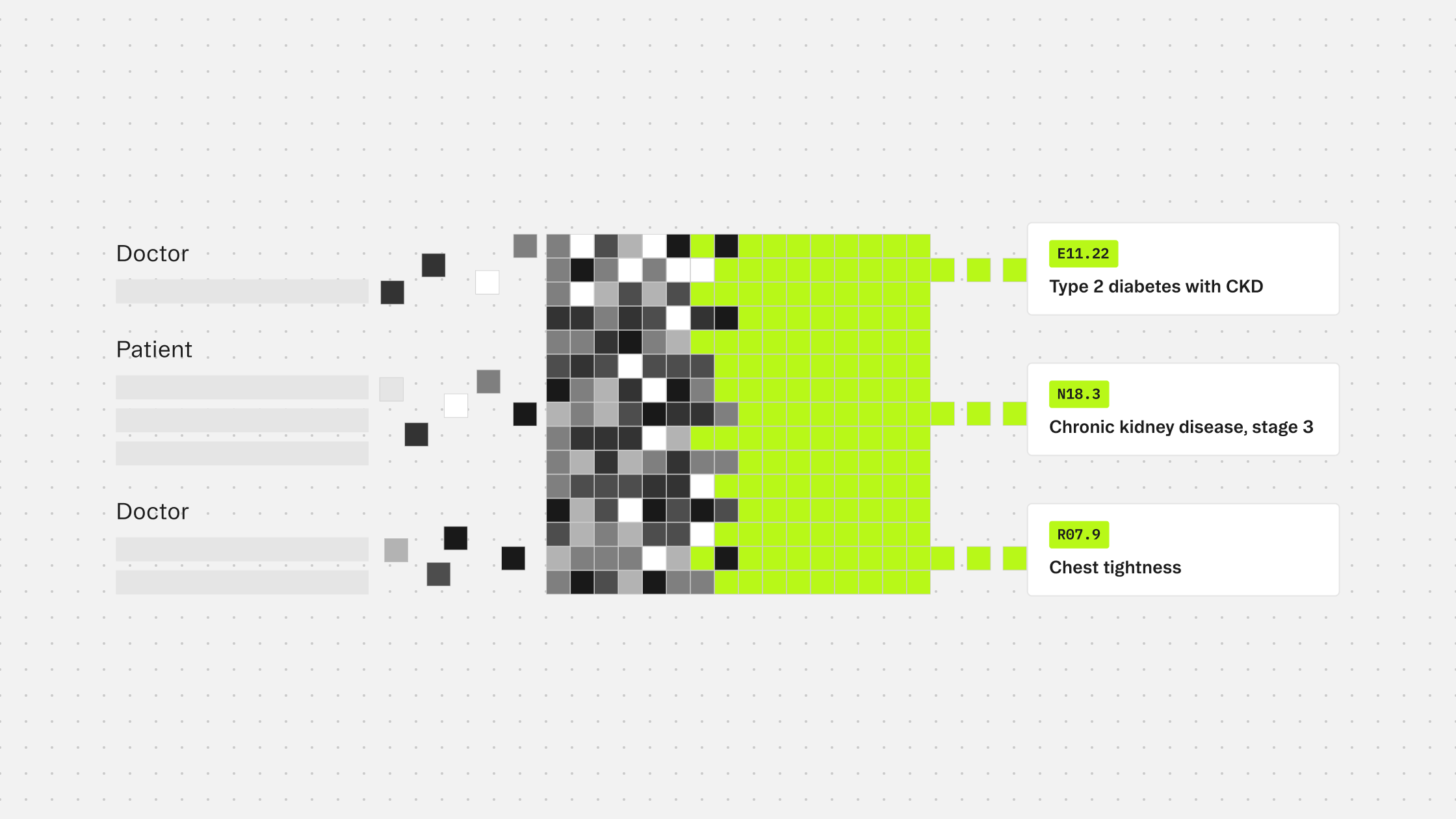
Turning documentation into structured data automatically
If you have already built an ambient scribe, you are capturing clinical conversations, extracting facts, and generating notes. The visit is documented. But for most healthcare workflows, documentation is only the start. Someone still needs to take that note and translate it into codes.
That translation is usually a separate step, handled later, by a different person, with a different tool. It does not have to be.
Why coding belongs in the scribe workflow
Ambient scribes are already doing the hard part. They listen to the encounter, extract what matters clinically, and organize it into a structured note. The clinical context is right there.
Coding from that note while the encounter is fresh, with evidence directly traceable to what was said and documented, produces better results than coding from a chart days later. It also closes the loop between documentation and billing in one workflow rather than two.
For teams building on Corti, the pieces connect naturally. The ambient scribe produces a document. That document feeds directly into the coding endpoint. The output comes back with structured codes, source evidence, and a clear distinction between what should be coded and what should not.
How the integration works
The /tools/coding/ endpoint is stateless. It takes clinical text as input and returns code predictions. You can pass the output of your document generation step directly as context.
A minimal request looks like this:
{
  "system": ["icd10cm-outpatient", "cpt"],
  "context": [
    {
      "type": "text",
      "text": "Patient presents with type 2 diabetes mellitus with diabetic chronic kidney disease, stage 3. Blood pressure elevated at 148/92. Current medications include metformin and lisinopril."
    }
  ]
}
You can pass up to four code systems in a single request, so diagnosis and procedure codes come back together without a second call.
The response returns two arrays.
codes contains what the model determined should be coded given the clinical context and applicable guidelines. These are not just conditions mentioned in the note. They are the ones that meet the rules for inclusion.
candidates contains codes the model identified as clinically present but excluded. A historical condition, something incidental to the current encounter, a finding that does not meet the threshold for coding in the specified care setting: these surface here rather than being silently dropped.
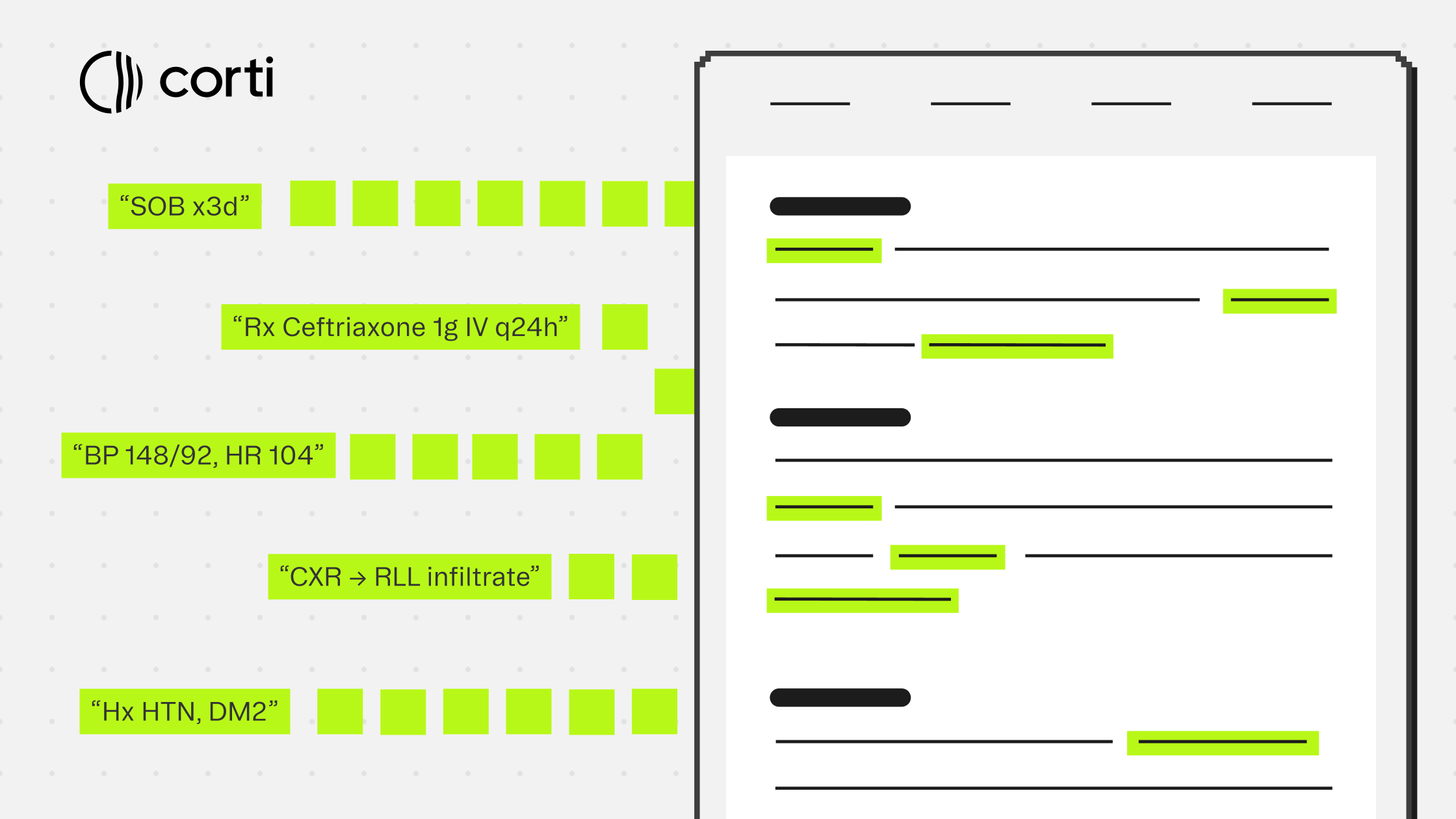
Every prediction in both arrays includes the exact text span that triggered it and character offsets pointing back to the source. That evidence trace is what makes the output reviewable rather than just a list to accept or reject.
Inpatient vs. outpatient: get this right early
The coding endpoint requires you to specify care setting via the system parameter: icd10cm-inpatient or icd10cm-outpatient. These follow different guidelines. A condition that should be coded in an inpatient admission may be excluded in an outpatient visit, and vice versa.
Your scribe workflow already knows the encounter type. Pass it through. The quality difference between care-setting-aware predictions and generic ones is significant, and it is one of the areas where purpose-built coding infrastructure diverges most clearly from general-purpose LLM approaches.
Where to insert coding in the scribe workflow
The right place depends on what your product needs to do with the codes.
For human-in-the-loop workflows, coding fits naturally after document generation and before the provider or coder finalizes the chart. Surface the codes list alongside the note. Show the evidence spans highlighted in the source text so reviewers can verify predictions quickly. Display candidates as a secondary list that is easy to promote if the reviewer disagrees with an exclusion.
For more automated workflows, coding can run in parallel with document generation once the clinical text is available. The codes array becomes your primary output, and the evidence and alternatives give you the material to build audit logs that hold up under compliance review.
If your product serves a specific specialty, the optional filter parameter lets you restrict predictions to relevant code families at request time. A neurosurgery workflow does not need obstetrics codes surfaced. Scoping the prediction task this way reduces noise in the output and makes the model's job more focused.
What this adds to the scribe
The ambient scribe captures the encounter. Coding closes it. Together, they take a clinical conversation from audio to structured documentation to billable codes in a single connected workflow, with evidence linking each step back to what was actually said.
For builders, that means one integration path instead of two separate product decisions. For the end user, it means the chart is complete when they leave the encounter, not when the coding queue clears.
More guides to explore
Build faster. Ship safer. Scale smarter.
Get started with healthcare-native APIs built to power real clinical workflows.